Dogwood52: Portait: Self Portrait

The description was:

Start things off right with a “selfie”! Explore the self-timer setting on your camera

Oh no! I hate shooting myself; that’s why I always stay behind the camera, but let me try anyway… Add to that the humid grass and the damp air. I used my remote shutter to shoot the pictures. My original plan was to lie on the grass and shoot myself in different positions, but from the second I was set in position, I did feel the humidity going through my clothes. As soon as I got in front of the lens, I couldn’t keep a natural smile, and it got worse over the shots.

Since I love the outdoors, I thought going somewhere green and wearing something green would be appropriate. I tried different poses, holding still or being active; then I didn’t qualify jumping as a portrait photo, but it was a good exercise.

Selected photo:
dogwoodweek1

My favourite photo:
dogwoodweek1-alternative
But I did not qualify it as a portrait.

All candidates:
20160101 142234-HDR 20160101 142628-HDR 20160101 142724 20160101 142816 20160101 142833 20160101 142837 20160101 142842 20160101 142847 20160101 142911 20160101 143035 20160101 143039 20160101 143137 20160101 143213 20160101 143321 20160101 143426 20160101 143431 20160101 143435 20160101 143445 20160101 Edit

enfuse examples

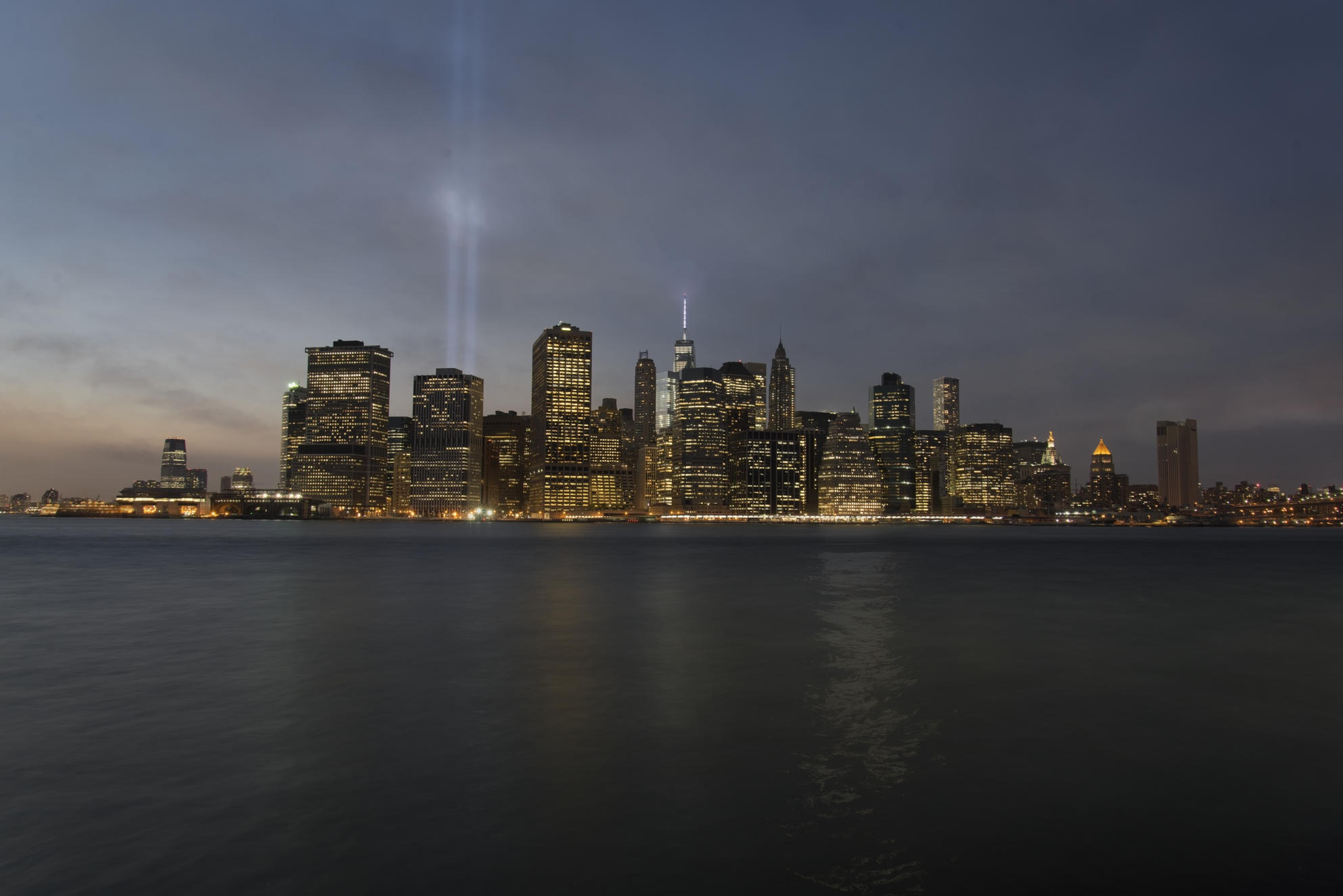
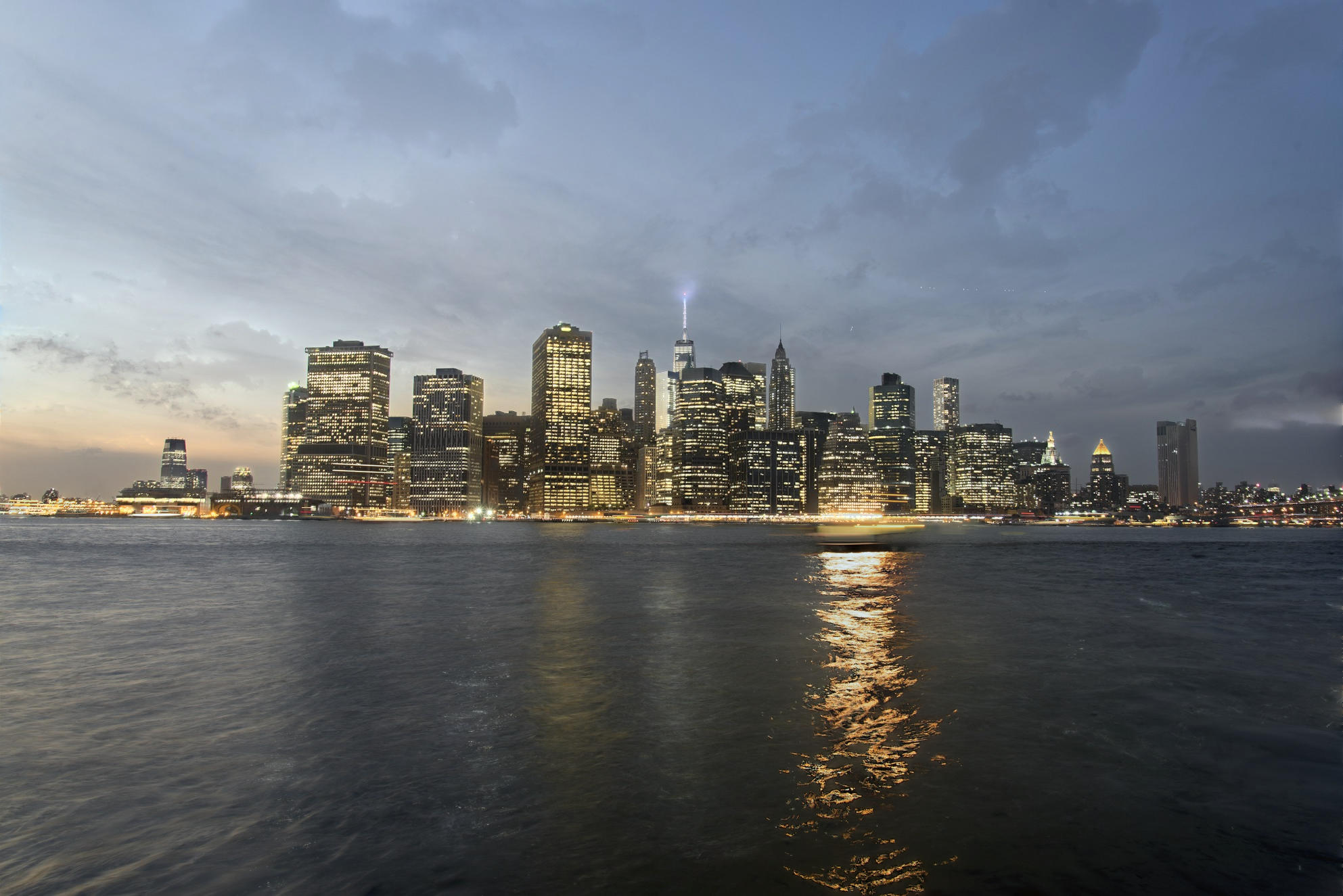
Last month, I took a time lapse session of New York skyline during dusk. I wanted to merge them and turned to Enfuse. As I didn’t find too many examples I wrote a small script to generate some series of images out of a sample of the time lapse pictures. The result is quite amazing and looks promising. Below is the average image of 201 photos taken during 40 minutes.

all-default

The shell script can be downloaded here (attention! it’s not idiot proof 😉 ). Just copy your image files to a directory with the script and check it out. It runs on both Linux and Mac systems and requires to have Enfuse installed and the command enfuse in the system path.

Note that each picture can be opened in full size, using Open Image in New Tab. For the tests, I have reduced the number of images to 10 of them during the twilight.

Rendered gray projectors

Various gray-projectors in soft-mask, using --gray-projector=value, where value is below:

average normal-average
lightness normal-lightness
l-star normal-l-star
luminance normal-luminance
pl-star normal-pl-star
value normal-value

The difference is not obvious; however if we enable the flag --hard-mask, then the difference becomes evident:

average hardmask-average
lightness hardmask-lightness
l-star hardmask-l-star
luminance hardmask-luminance
pl-star hardmask-pl-star
value hardmask-value

Sigma and Mu variation

The following images have been rendered using the average gray projector.

Sigma

value soft-mask hard-mask
0.00 soft mask sigma0.00 hard mask sigma0.00
0.10 soft mask sigma0.10 hard mask sigma0.10
0.20 soft mask sigma0.20 hard mask sigma0.20
0.30 soft mask sigma0.30 hard mask sigma0.30
0.40 soft mask sigma0.40 hard mask sigma0.40
0.50 soft mask sigma0.50 hard mask sigma0.50
0.60 soft mask sigma0.60 hard mask sigma0.60
0.70 soft mask sigma0.70 hard mask sigma0.70
0.80 soft mask sigma0.80 hard mask sigma0.80
0.90 soft mask sigma0.90 hard mask sigma0.90
1.00 soft mask sigma1.00 hard mask sigma1.00

Mu

value soft-mask hard-mask
0.00 soft mask mu0.00 hard mask mu0.00
0.10 soft mask mu0.10 hard mask mu0.10
0.20 soft mask mu0.20 hard mask mu0.20
0.30 soft mask mu0.30 hard mask mu0.30
0.40 soft mask mu0.40 hard mask mu0.40
0.50 soft mask mu0.50 hard mask mu0.50
0.60 soft mask mu0.60 hard mask mu0.60
0.70 soft mask mu0.70 hard mask mu0.70
0.80 soft mask mu0.80 hard mask mu0.80
0.90 soft mask mu0.90 hard mask mu0.90
1.00 soft mask mu1.00 hard mask mu1.00

Mu and Sigma matrix

Only using the hard mask rendering where Mu values are horizontal and Sigma vertical:

  0.00 0.25 0.50 0.75 1.00
0.00 hard mask mu 0, sigma 0 hard mask mu 25, sigma 0 hard mask mu 50, sigma 0 hard mask mu 75, sigma 0 hard mask mu 100, sigma 0
0.25 hard mask mu 0, sigma 25 hard mask mu 25, sigma 25 hard mask mu 50, sigma 25 hard mask mu 75, sigma 25 hard mask mu 100, sigma 25
0.50 hard mask mu 0, sigma 50 hard mask mu 25, sigma 50 hard mask mu 50, sigma 50 hard mask mu 75, sigma 50 hard mask mu 100, sigma 50
0.75 hard mask mu 0, sigma 75 hard mask mu 25, sigma 75 hard mask mu 50, sigma 75 hard mask mu 75, sigma 75 hard mask mu 100, sigma 75
1.00 hard mask mu 0, sigma 100 hard mask mu 25, sigma 100 hard mask mu 50, sigma 100 hard mask mu 75, sigma 100 hard mask mu 100, sigma 100

Looks like the fun has just begun 🙂

New day, new adventure